Desk organization
Desk Cable Management That Does Not Become Another Project
Published: · By Moda Selection editors
Good desk cable management is not the photograph where every wire has vanished. It is the setup where you can unplug a laptop, replace a charger, and raise the desk without crawling underneath with scissors.
Unplug everything and remove the retired cables
Start when you have enough time to reconnect the desk calmly. Put every cable in view. If you cannot identify a cable, label it and move it out of the active setup rather than feeding it back into a tray “just in case.”
Put the power strip where the devices are
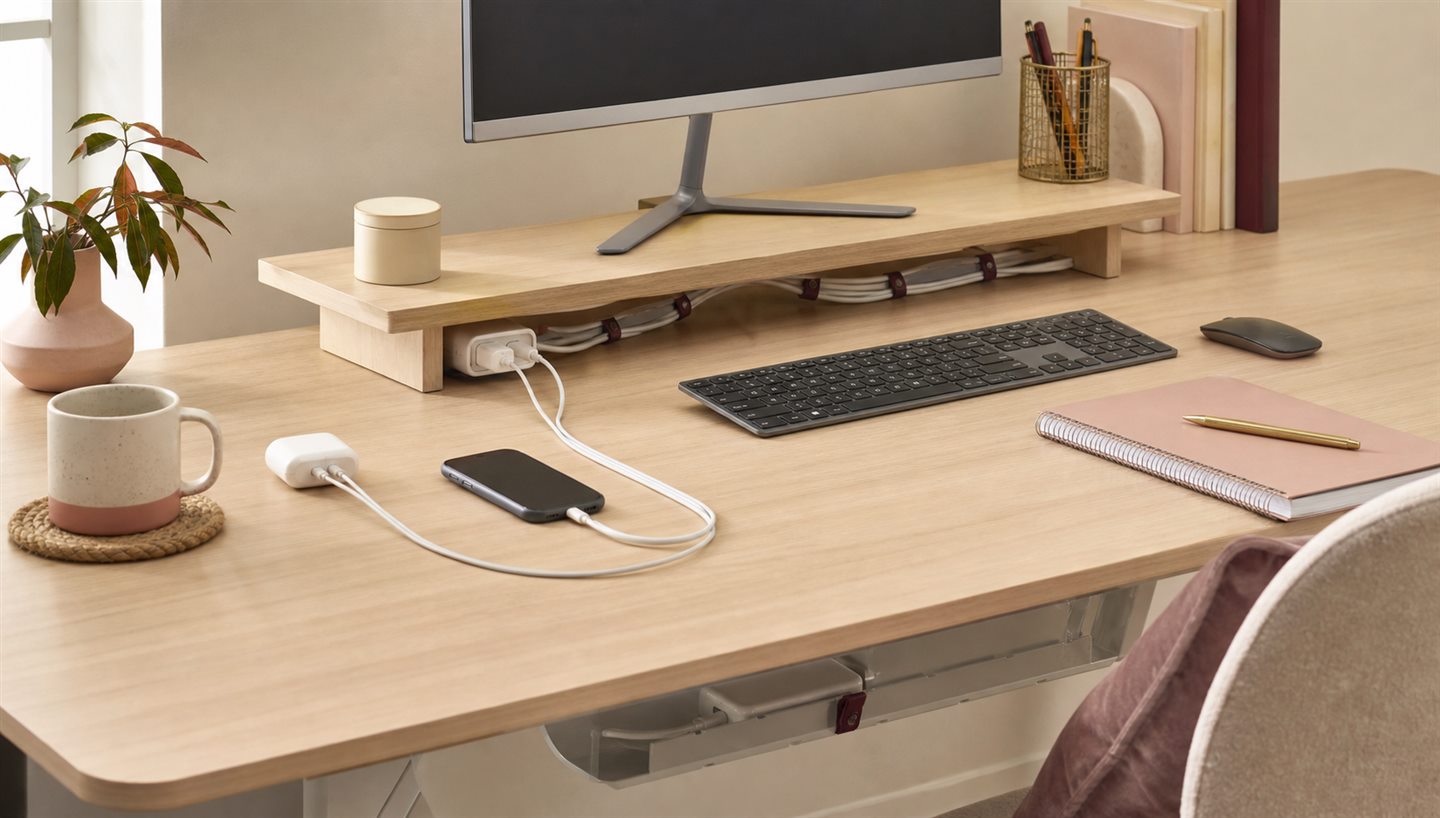
Mounting or securing the power strip under the desk can keep adapter weight off the floor and shorten visible runs. Follow the manufacturer's mounting and ventilation instructions. Avoid covering adapters or forcing large plugs into crowded angles.
Before attaching anything, plug in the widest adapters and check which outlets they block. Then sit at the desk and make sure the power switch is still reachable. A hidden strip that requires moving a filing cabinet every time a charger misbehaves is tidy only in the most literal sense.
Create one route, not five individual sculptures
Use an under-desk tray or a broad channel for the main run, then reusable hook-and-loop ties to group related cables loosely. Clips are useful at the desktop edge for the two or three cables you touch often. Permanent adhesive solutions are less helpful when the desk changes every six months.
Leave useful slack
A cable pulled tight can strain a connector and make moving equipment difficult. Leave enough room for a monitor to turn and a laptop to reach its normal positions. On a standing desk, test the full travel slowly while watching every cable. The power lead needs to reach the highest position without becoming taut.
Separate daily charging from permanent connections
Monitor, dock, and lamp cables can live out of sight. Phone and earbud cables need to remain reachable. Give those moving cables a clip or small tray instead of burying them with the permanent group.
If several devices use the same connector, keep one clearly designated desk charger instead of letting four nearly identical cables gather beside the keyboard. Check that the charger and cable meet the device maker's requirements; identical plugs do not always mean identical charging performance.
Label both ends of the confusing ones
Labels sound excessive until you are tracing identical black cables behind a monitor. Use short names—MONITOR, DOCK, LAMP—and place them where they can be read without unplugging everything.
Do the five-minute maintenance pass
Cable management fails gradually. A travel charger returns to the desk, a temporary drive becomes permanent, and the phone cable slips behind the cabinet. Every month or two, remove what is no longer connected, loosen any tie that has become crowded, and wipe dust from the accessible areas. It takes less time than rebuilding the whole setup after a year.
This is also a good moment to check for bent connectors, pinched insulation, unusual heat, or a power strip that is being used beyond its instructions. Organization should make inspection easier, not disguise a damaged cable inside a perfect bundle.
Plan for replacement
Do not tighten ties so hard that a cable cannot slide out. Keep power bricks ventilated and inspect damaged cords rather than hiding them. The best cable management system opens without destruction.