Everyday organization
How to Organize a Work Bag So It Stays Organized
Published: · By Moda Selection editors
A work bag rarely becomes chaotic because it lacks enough pockets. It becomes chaotic because Monday's receipts, Tuesday's spare cable, and Wednesday's emergency snack are all still commuting on Friday.
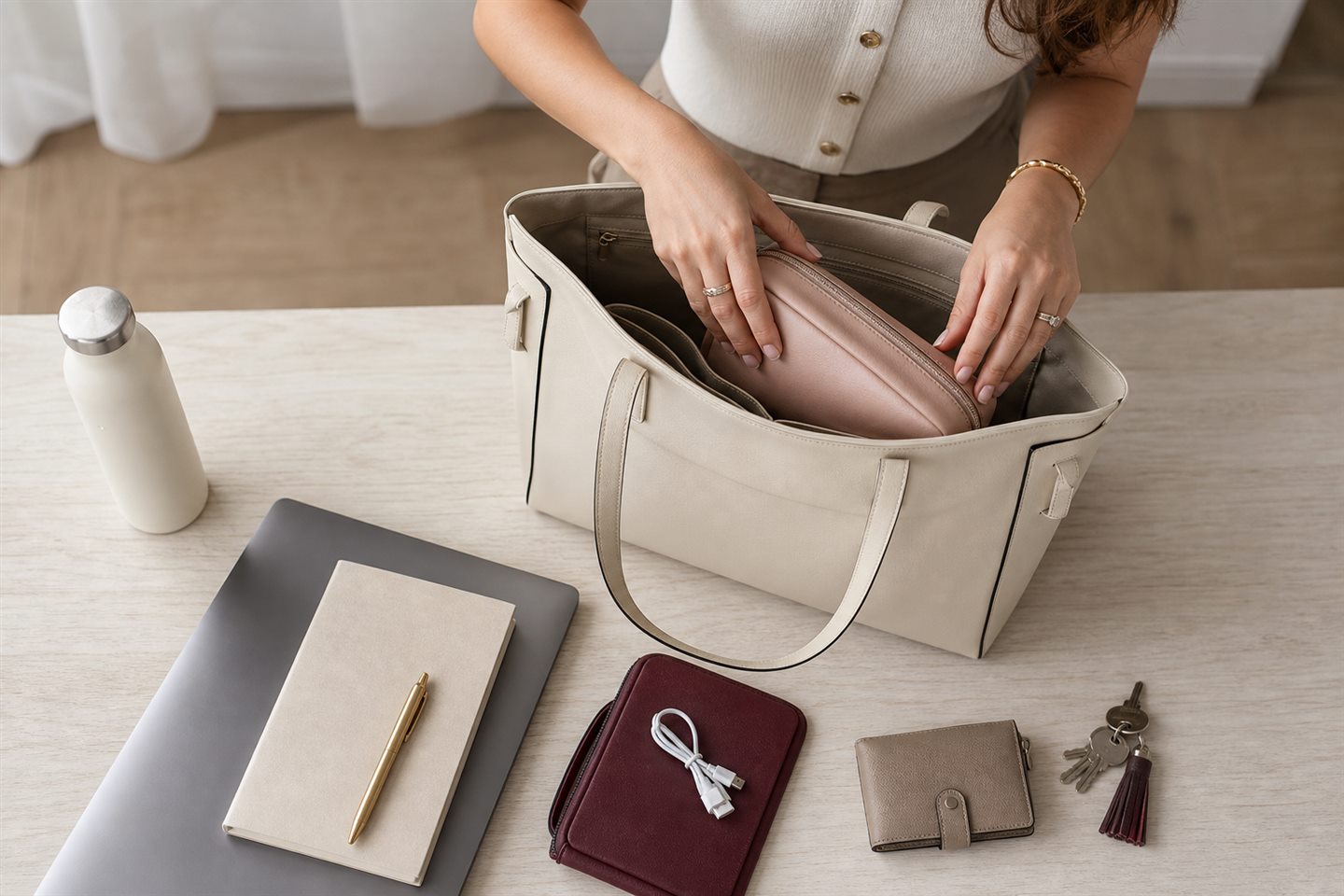
Empty the bag before buying an organizer
Put everything on a table, including the objects hiding in zipped pockets. Remove rubbish, old receipts, empty wrappers, duplicate pens, and the charger that belongs to a device you no longer carry. An insert cannot organize items that should not be there.
Then separate what remains into three groups: used every workday, useful only on certain days, and “carried because something once went wrong.” The third group is where weight accumulates. Keep the genuinely useful backup; question the rest.
Build the bag around access, not categories alone
Keys, transit cards, and a phone need one-handed access. A laptop needs protection and should sit close to the side of the bag nearest your body. Items used at a desk can live deeper. If you must unpack a cosmetic pouch and notebook every time you need your building pass, the layout is working against the day.
Use existing pockets first. Give one secure pocket to keys and wallet, one sleeve to the laptop or documents, and the open center to two or three movable groups.
Use fewer pouches, with clear jobs
A tech pouch can hold a compact charger, earbuds, and one cable. A small personal pouch can hold lip balm, medication you normally carry, and a few hygiene essentials. That may be enough. Five tiny pouches turn finding one object into a memory test.
Different colors or textures help when you are reaching into the bag without looking. So does keeping each pouch lightly filled. If the zipper strains, the category is too broad or the bag is carrying too many contingency plans.
Stop loose cables from becoming the bag's interior design
Coil the one or two cables you actually use and secure them with a reusable tie. Keep small adapters in the tech pouch rather than an open side pocket. If your laptop and phone can share a suitable charger, the bag may not need two full charging systems. Check device requirements before consolidating.
Give food and liquids a boundary
A tightly sealed water bottle should stand upright when the bag allows it. Snacks belong in their own washable pouch or container, away from electronics and papers. This is less glamorous than a beautifully arranged flat lay, but far more useful after a bottle cap loosens.
Use a two-minute reset, not an annual cleanout
At the end of the day, remove food, cups, receipts, and anything added for a one-off errand. Recharge the power bank if you used it. Put keys back in their assigned pocket. A small reset prevents the bag from becoming a storage unit between commutes.
Once a week, lift the bag before packing it. If it already feels heavy, something has stayed too long. The lightest organization system is often the one that carries fewer objects, not the one with the most compartments.
Choose the bag for the real load
If a laptop pushes against the zipper or the base collapses under a water bottle, no arrangement will make the bag feel calm. Look for a comfortable strap, a stable base if you set it down often, appropriate weather protection, and a closure that suits your commute. Internal structure should support what you carry without turning an empty bag into a heavy object.